Match the product to one bounded job
Photo Video Locker may fit a bounded Android media-vault role after current-device testing. It is not a separate backup, secure-erasure guarantee, consent record, contractor-authorization service or guaranteed password and deletion recovery method.
Test import, album organization, lock, reopen, selected export, phone migration and recovery consequences before any private repair media is involved.
Test the complete workflow
- 01Obtain the current app, listing, documentation and supported Android requirements from official sources.
- 02Create fictional repair photos and clips with no real address, room or property details.
- 03Test import, album grouping, lock, reopen and selected export.
- 04Inspect the camera roll, downloads and shared locations for plaintext copies.
- 05Test backup and replacement-phone recovery; document lost-password and deletion consequences.
Inspect each step in context
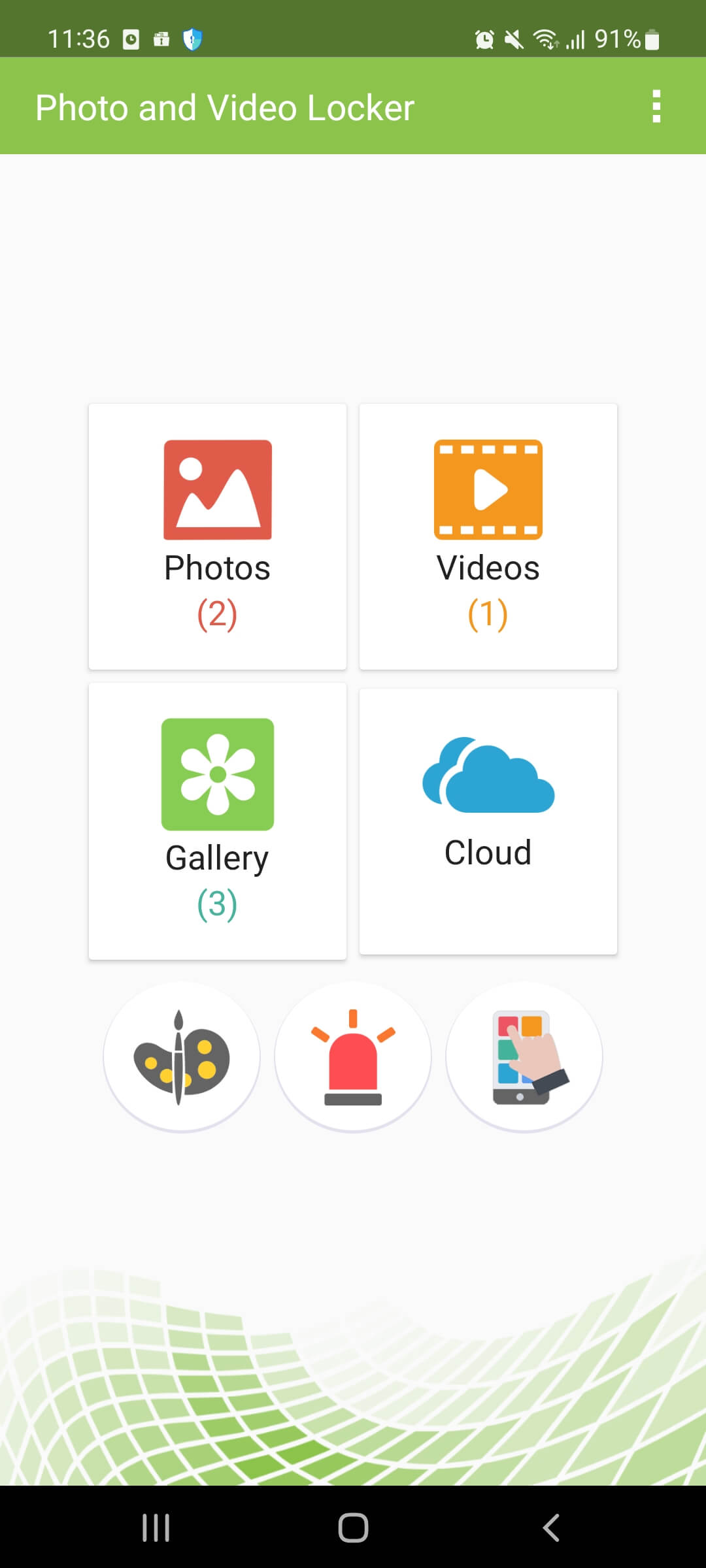
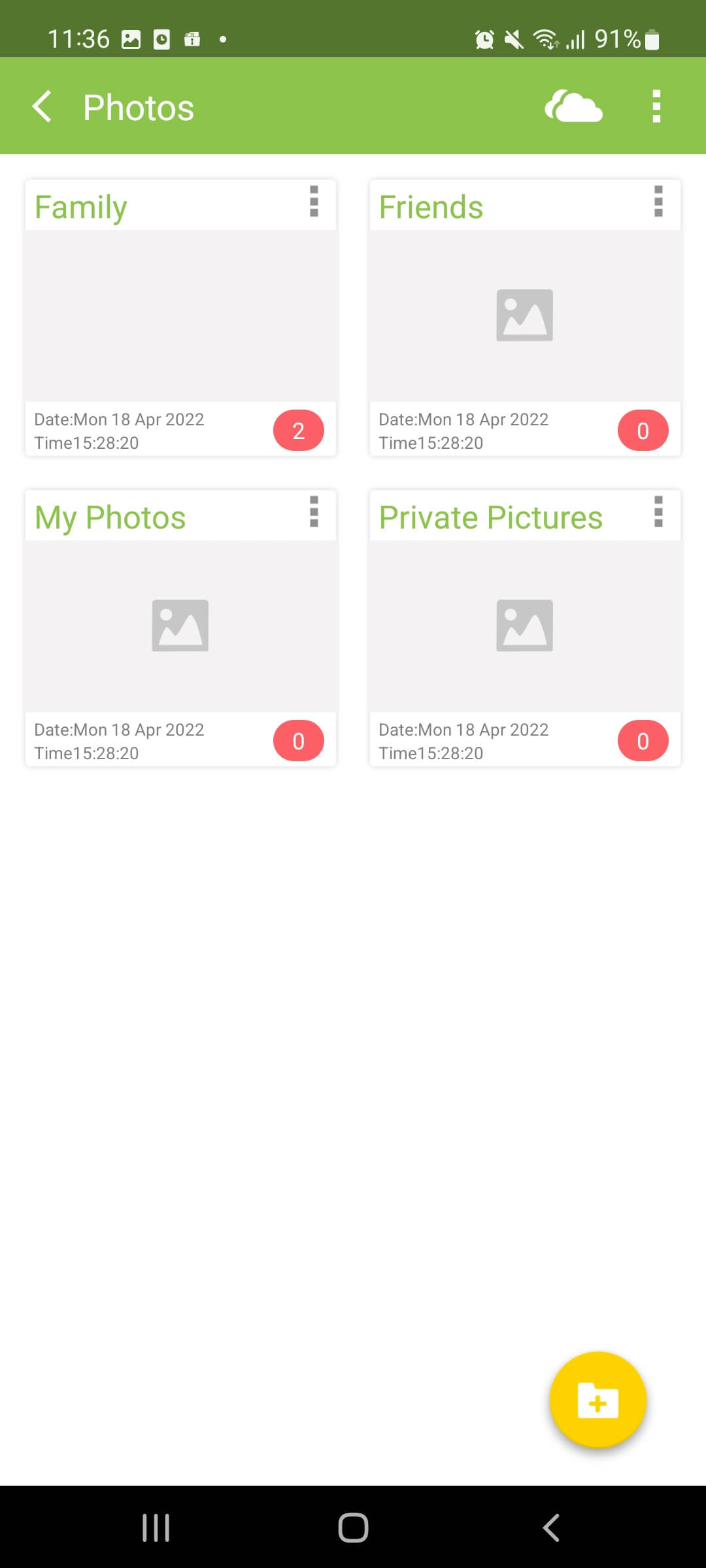
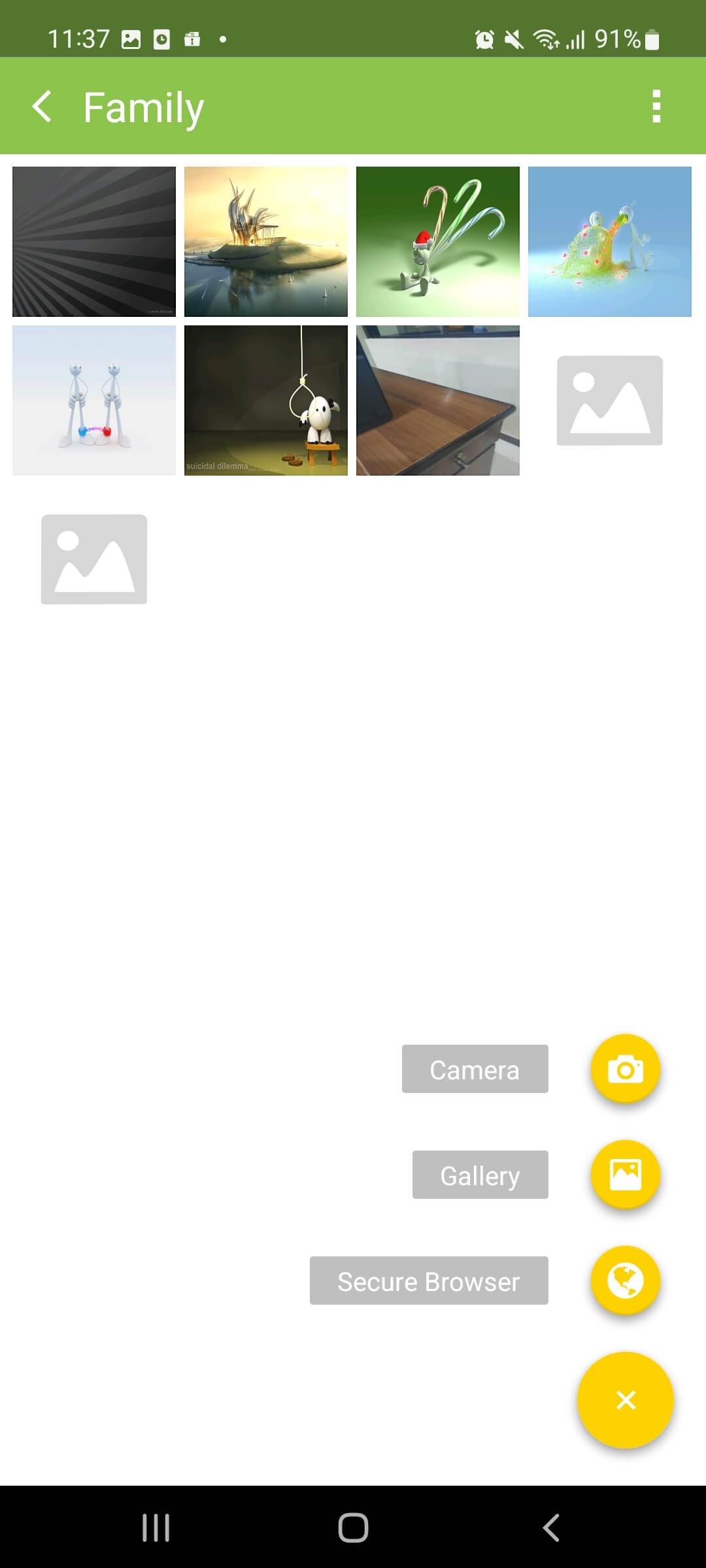
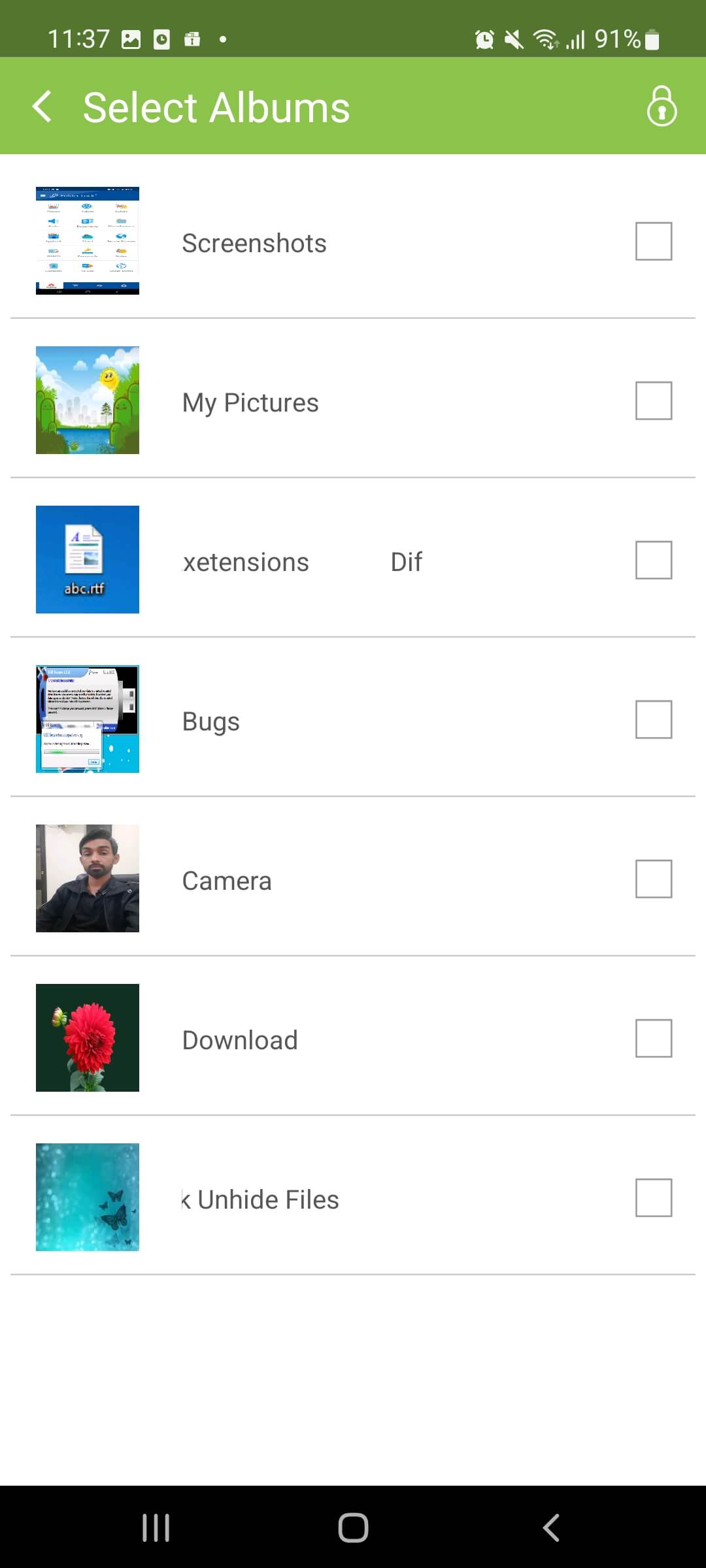
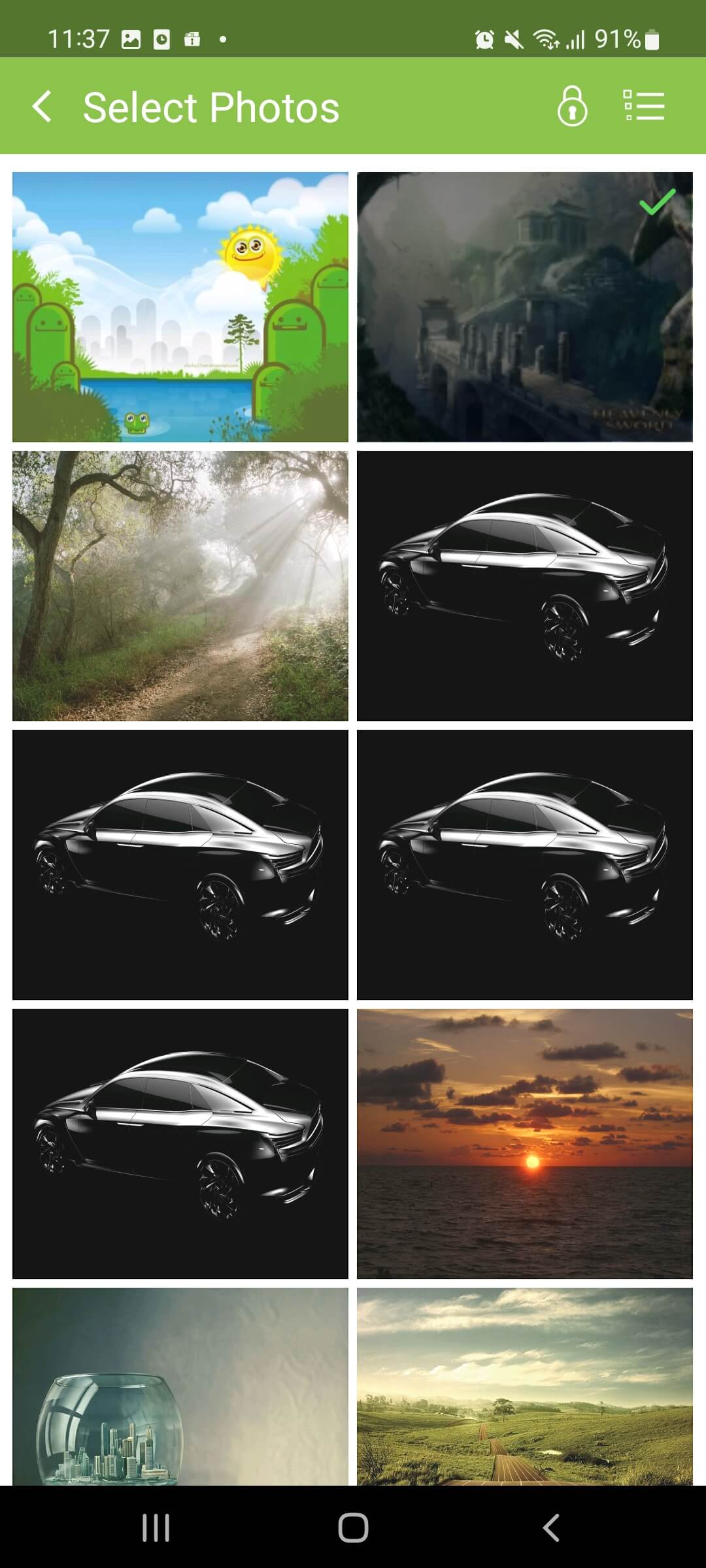
Keep surrounding controls separate
The app does not guarantee backup, secure deletion, cross-device restoration, password recovery or privacy after export. Exact current workflows and Android compatibility require testing on the intended device. Treat the Android device lock, app vault, camera roll, cloud-photo account, exported copies and separate backup as distinct control layers. An image that disappears from the gallery may still exist in messages, downloads, synchronized storage or a recipient account. Before adoption, document which Android version, app release and permissions were tested. Use fictional media to observe import, thumbnails, video playback, export, app update, device restart and replacement-phone behavior. Preserve full-resolution originals outside the vault until the backup can be opened independently and the new phone workflow has been verified. After every contractor or insurer export, review the gallery, share sheet, messaging downloads and cloud albums for new plaintext copies. Recheck behavior after Android, app, phone or storage changes because an earlier successful test is not permanent evidence of compatibility. If the homeowner needs multi-user audit trails, managed sharing, contractual retention or guaranteed recovery, choose a service designed for those requirements instead of extending a personal vault beyond its documented role. Never promise secure deletion, anonymity, automatic migration or guaranteed recovery from an app screen alone.
Product questions
Should Photo Video Locker become the only copy of repair photos?
No. Keep separately controlled, verified originals outside the phone vault.
Does a password reset guarantee recovery of existing vault media?
Do not assume so. Test and document current recovery behavior before importing private media.
Primary references
- NewSoftwares: Product downloads
- NewSoftwares: Photo Video Locker
- Google Android Help: Back up or restore data
Supplied visuals may depict legacy releases. References support specific boundaries and do not imply endorsement.